Minimalistic editor, so you can focus on the content.


iPhone · iPad · Mac · Android
Even in an era defined by digital communication and instant connectivity, traditional letters remain an indispensable form of correspondence. Why? Because they represent a timeless and authentic mode of exchange. Whether you are sending personal or business messages, letters convey a depth and significance that is often lost in emails or text messages. They are an expression of care and attention, leaving a lasting impression. Our letter app was designed to blend this timeless tradition with modern convenience, allowing you to create, share, and preserve professional letters in a digital world.
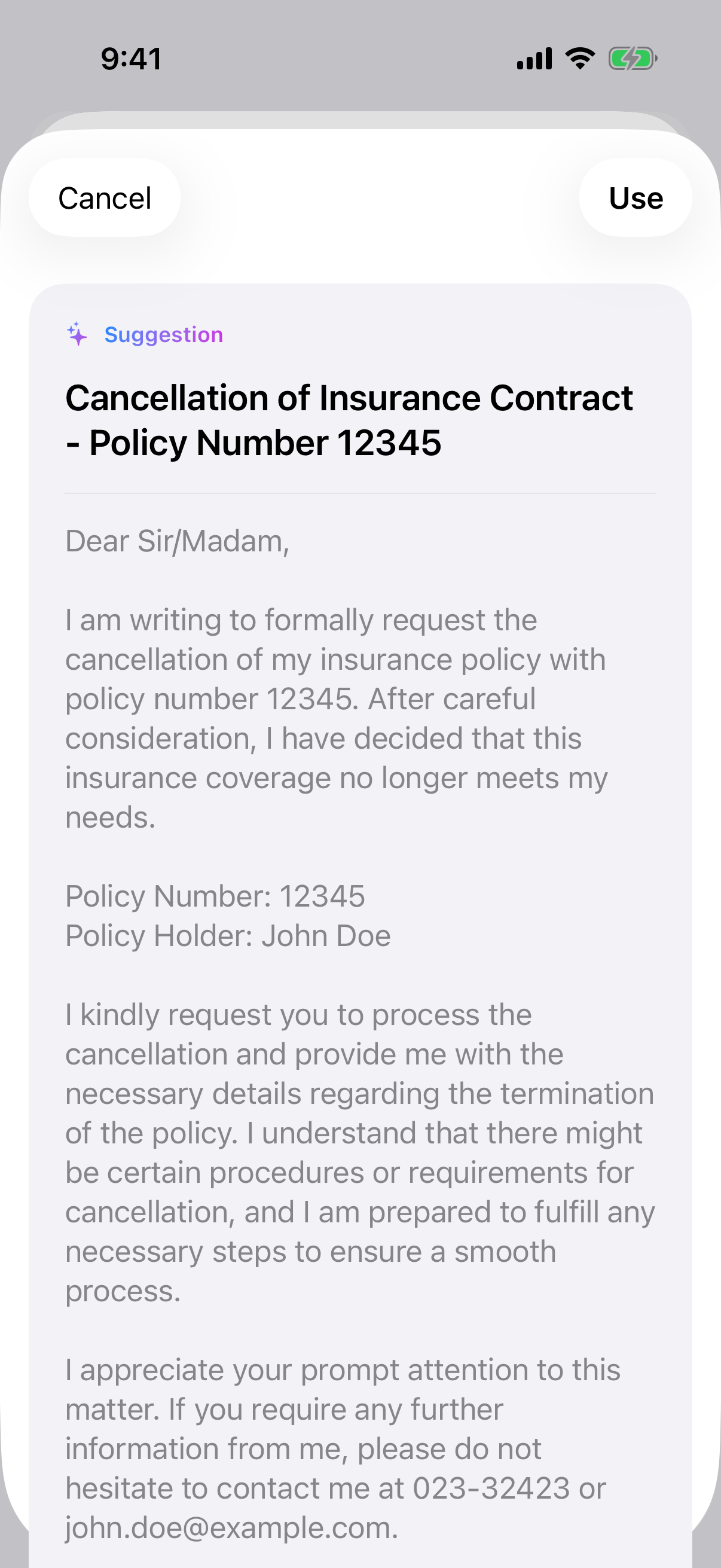
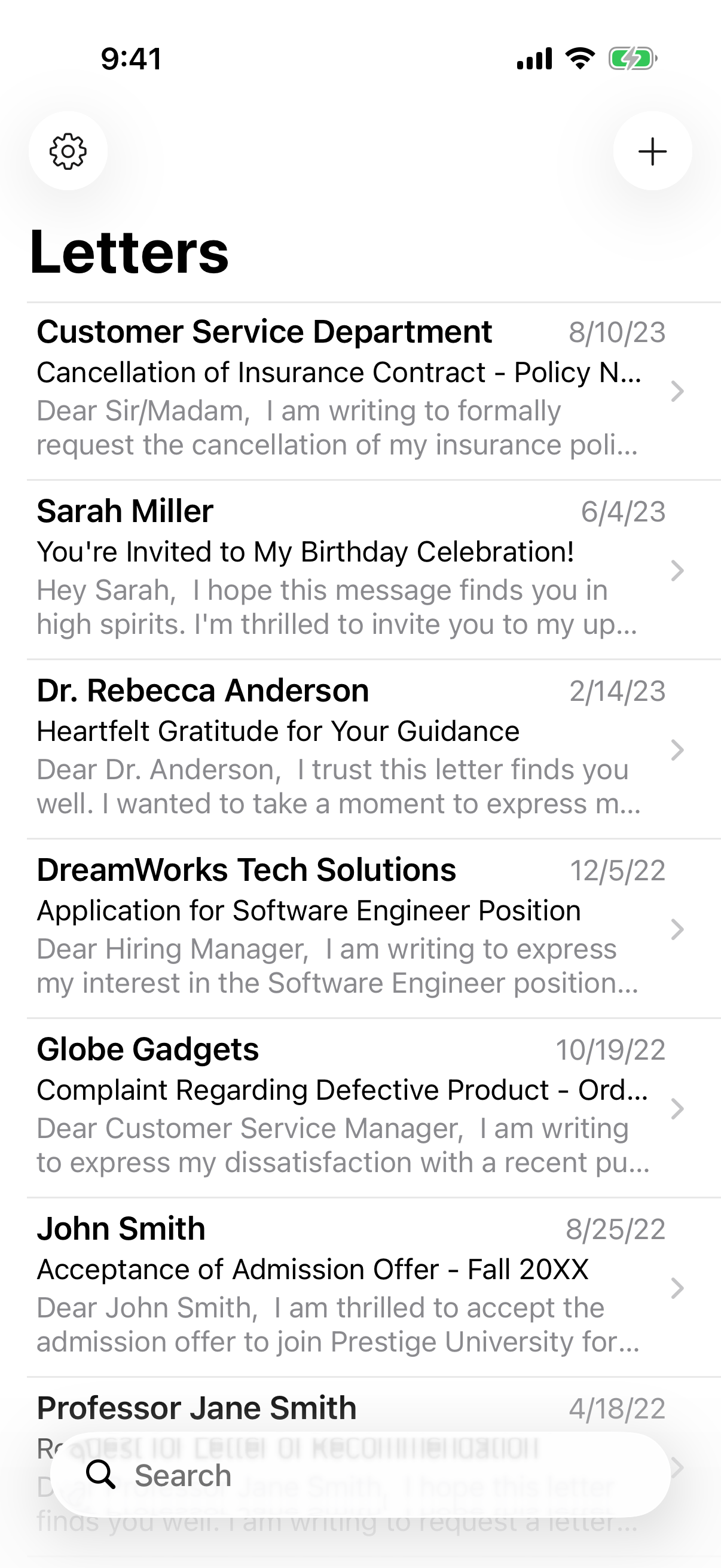
The Letter App allows you to quickly and effortlessly create and print professionally formatted letters on iPhone, iPad, Mac, and Android devices. Your letters will have an appealing layout that leaves a professional impression. With a simple click, you can print your letters directly from the app. You also have the option to share your letters digitally or export them as PDF files to distribute them on various platforms. The app syncs seamlessly across your devices through iCloud, allowing you to access your letters anytime and anywhere. Thanks to the straightforward search function, you can easily retrieve previously composed letters.
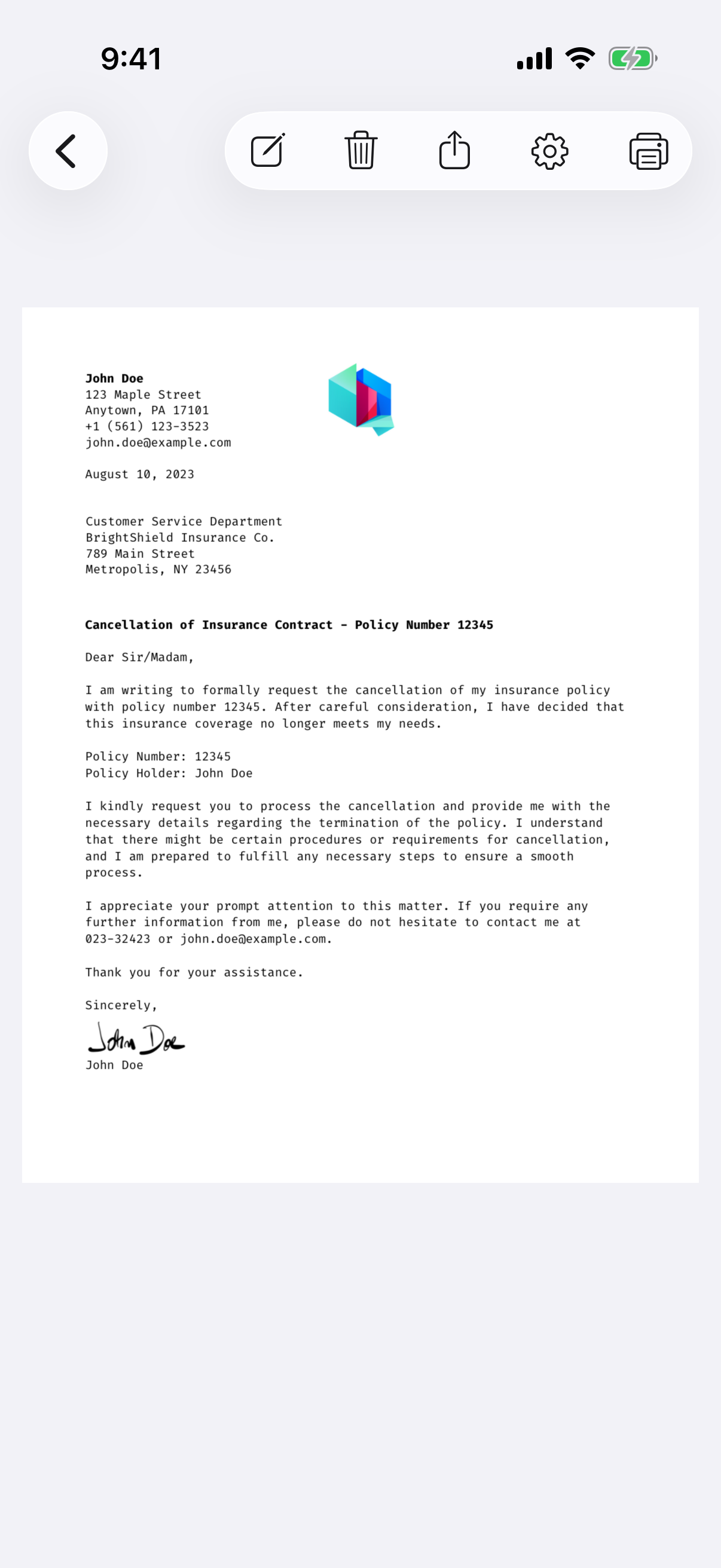
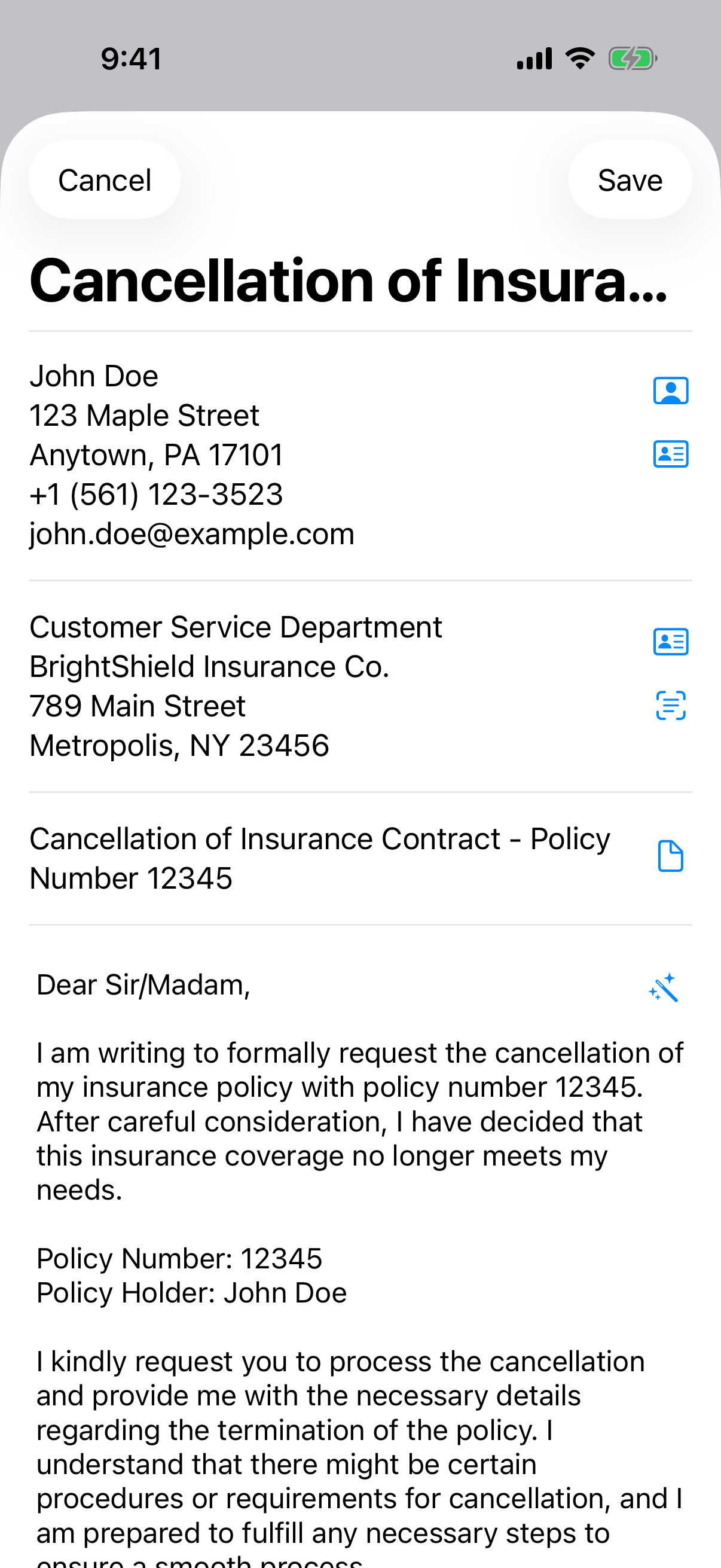
Upgrade to the Pro version and take your letter writing to the next level with our AI Assistant! Effortlessly refine the structure, clarity, and tone of your letters while keeping your original intent intact. Whether you need to improve a draft, generate a full letter from just a subject, or simply get inspiration, the AI ensures professional and polished results. Supporting multiple languages and adapting to your writing style, it makes correspondence easier than ever.
The Pro version also unlocks additional premium features, such as adding personal signatures directly within the app, effortlessly incorporating contact addresses from your address book, and utilizing a wide range of templates for various occasions. You can customize settings to adapt the format of your letters to your specific needs.
The Letter App simplifies your correspondence, enabling you to create, share, and print letters with ease—all while maintaining style, clarity, and user-friendliness.
To give you a comprehensive overview, we have listed all the features in detail, according to their availability in the different app versions. This way, you can easily see which features each version of the app offers.

Letter writing feels almost forgotten in a world of email and instant messaging — and that's exactly what makes a personal letter matter so much today.
Learn how to write a letter step by step, from the greeting and layout to the sign-off, with clear formatting tips for personal and formal correspondence alike.

Discover why personalized letters make such a lasting impression, from the emotional connection they create to the way a physical note becomes a keepsake.

Master letter writing etiquette with clear dos and don'ts, from salutations and sign-offs to formatting, so your formal and personal letters always land well.
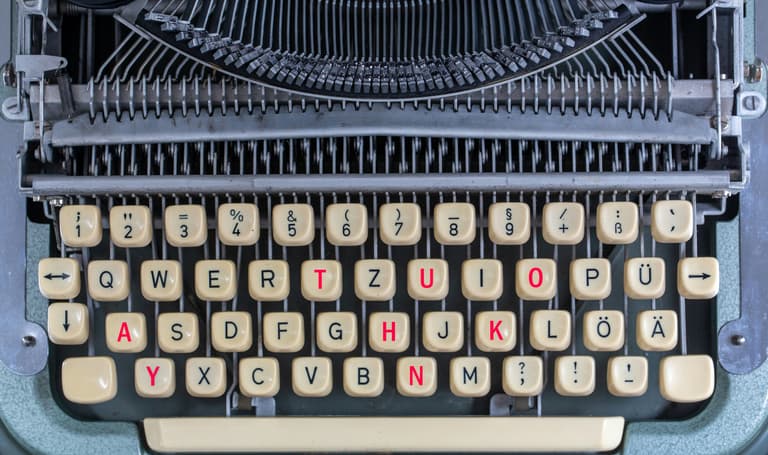
Why does receiving snail mail feel so good? Discover the quiet joy of physical letters and how sending real mail creates keepsakes that outlast any inbox.
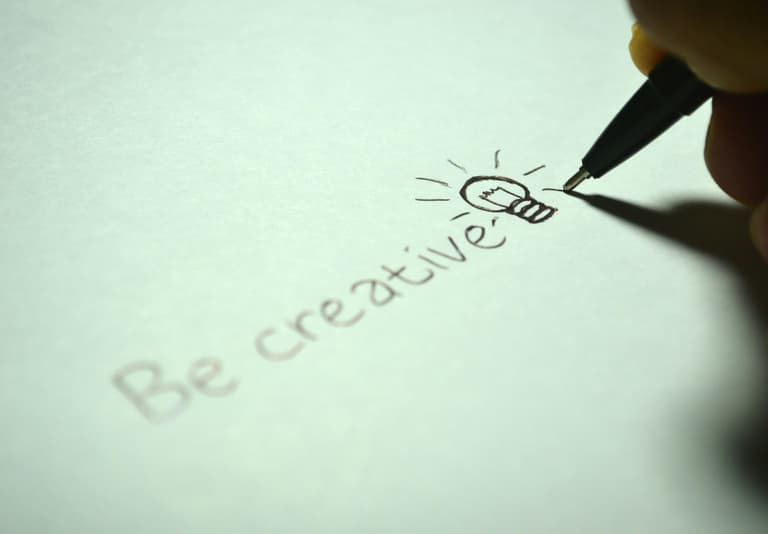
Stuck for words? These letter writing prompts give you fresh ideas for what to write to a friend, family member, or pen pal when the page feels blank.
Please contact me if you have any questions